WhatsApp automation, by industry
Real use cases for how businesses like yours use WhatsApp to sell, support, and follow up.
- 14-day free trial
- No credit card required
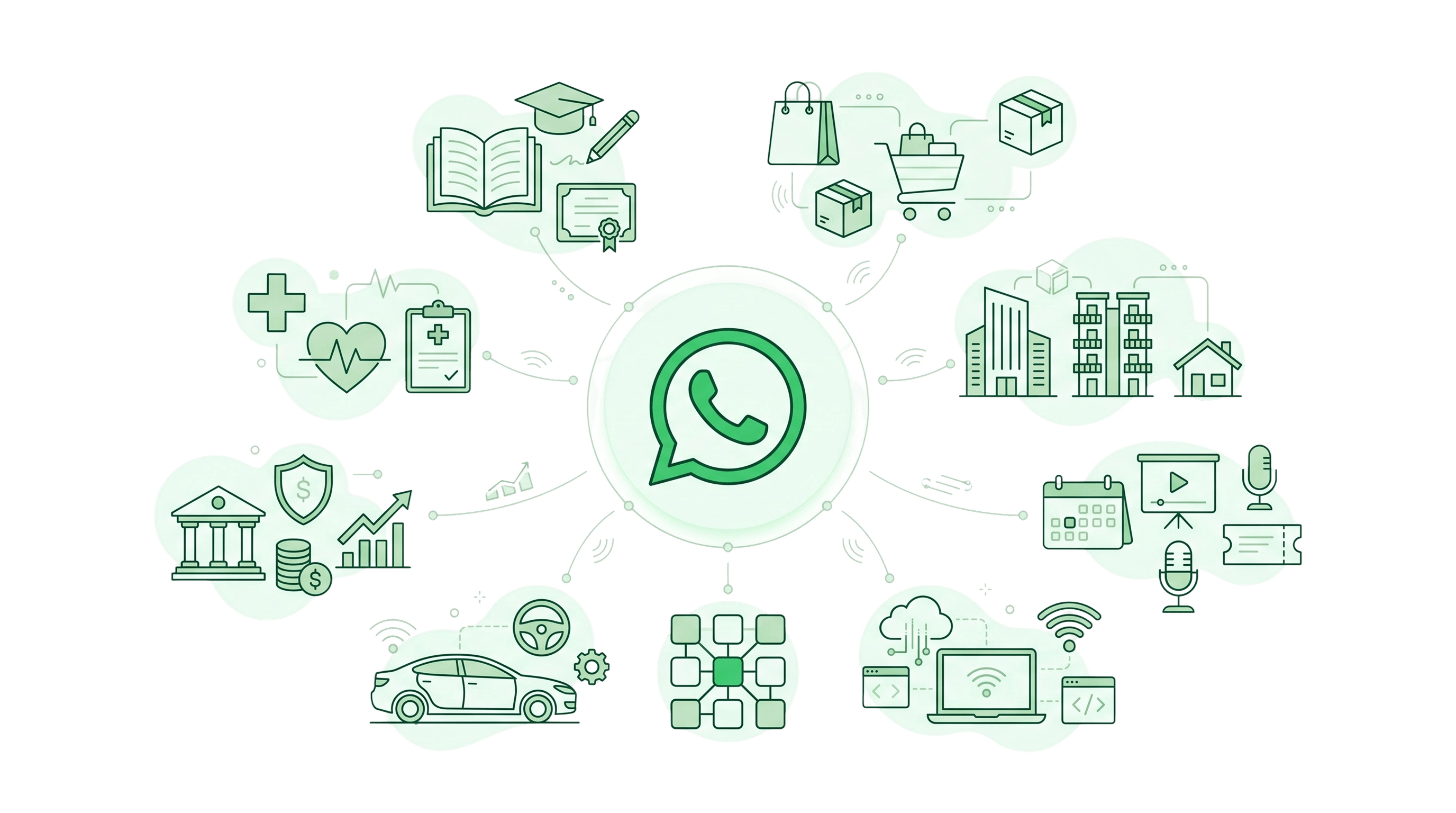
Use cases built for your business
Pick your industry to see the messages teams like yours automate, how to set them up and answers to common questions.
Option 1: Chat preview cards
E-commerce & D2C
Abandoned cart, order updates
See use casesEducation
EdTech, coaches, institutes
See use casesHealthcare
Appointment booking, hospitals
See use casesFinance & Insurance
Fintech, banking & more
See use casesReal Estate
Developers, brokers, coworking
See use casesAutomobile
Book test drive, sell faster
See use casesIT Services & Agencies
Client onboarding, project updates
See use casesEvents & Webinars
Boost attendance
See use cases
Option 2: Dark reveal on hover
E-commerce & D2C
Abandoned cart, order updates
Abandoned cart recovery
Explore
Education
EdTech, coaches, institutes
Admissions follow-up
Explore
Healthcare
Appointment booking, hospitals
Appointment reminders
Explore
Finance & Insurance
Fintech, banking & more
EMI reminders
Explore
Real Estate
Developers, brokers, coworking
Site-visit booking
Explore
Automobile
Book test drive, sell faster
Test-drive booking
Explore
IT Services & Agencies
Client onboarding, project updates
Client onboarding
Explore
Events & Webinars
Boost attendance
Attendance reminders
Explore
Option 3: Automation-first
E-commerce & D2C
Abandoned cart recovery
Abandoned cart, order updates
Education
Admissions follow-up
EdTech, coaches, institutes
Healthcare
Appointment reminders
Appointment booking, hospitals
Finance & Insurance
EMI reminders
Fintech, banking & more
Real Estate
Site-visit booking
Developers, brokers, coworking
Automobile
Test-drive booking
Book test drive, sell faster
IT Services & Agencies
Client onboarding
Client onboarding, project updates
Events & Webinars
Attendance reminders
Boost attendance
Option 4: Directory rows
- E-commerce & D2CAbandoned cart, order updates
- EducationEdTech, coaches, institutes
- HealthcareAppointment booking, hospitals
- Finance & InsuranceFintech, banking & more
- Real EstateDevelopers, brokers, coworking
- AutomobileBook test drive, sell faster
- IT Services & AgenciesClient onboarding, project updates
- Events & WebinarsBoost attendance
Option 5: Icon spotlight
E-commerce & D2C
Abandoned cart, order updates
Abandoned cart recovery
Education
EdTech, coaches, institutes
Admissions follow-up
Healthcare
Appointment booking, hospitals
Appointment reminders
Finance & Insurance
Fintech, banking & more
EMI reminders
Real Estate
Developers, brokers, coworking
Site-visit booking
Automobile
Book test drive, sell faster
Test-drive booking
IT Services & Agencies
Client onboarding, project updates
Client onboarding
Events & Webinars
Boost attendance
Attendance reminders
Not sure where to begin?
Start from the result you want. Each goal links to the industry where it is used most.
- Recover abandoned cartsPopular with e-commerce and D2C brands
- Reduce missed appointmentsPopular with clinics and hospitals
- Collect payments on timePopular with fintech and insurance teams
- Follow up with leads instantlyPopular with developers and brokers
- Bring customers back for servicePopular with dealerships and workshops
- Boost event attendancePopular with event and webinar teams
One platform behind every use case
Whatever you sell, the same core tools power your WhatsApp conversations.
Broadcast messaging
Send offers, reminders and announcements to opted-in contacts with approved templates and buttons.
Learn moreAutomation and chatbots
Answer common questions, qualify leads and trigger messages from your other tools, around the clock.
Learn moreShared team inbox
Let sales, support and operations reply from one WhatsApp number with assigned, tagged chats.
Learn moreContact management
Organise contacts with tags and lists, and keep opt-ins and opt-outs in order.
Learn moreAnalytics and quality rating
Track delivery, reads and replies for every campaign and keep an eye on your account health.
Learn moreOfficial WhatsApp Business API
Guided onboarding and Meta verification, so your business messages from an official profile.
Learn moreStart small, then grow
The teams that get the most from WhatsApp begin with one clear use case.
- Step 01
Pick your industry
Browse the use cases above and note the two or three messages that matter most to your customers.
- Step 02
Start with one automation
Launch a single high-impact flow first, such as a reminder, order update or instant lead reply.
- Step 03
Expand as you learn
Use your delivery and reply data to add broadcasts, chatbots and more flows over time.
Everything you need to know before you get started
Clear answers to the most common questions about WP Tool, the WhatsApp Business API, billing and support.
My industry is not listed. Can I still use WP Tool?
Do I need a developer to set up these use cases?
Can I combine use cases from different industries?
Do my customers need to opt in?
How long does it take to go live?
Is WP Tool built on the official WhatsApp Business API?
Put WhatsApp to work in your industry
Start with the use case that matters most to you and add more as you grow.